
Server
Self-hosted CalDAV
Run your own calendar server on your own infrastructure. Revocable public read-only links, invitations with view or edit access, and a public calendar page that opens without an account where you allow it.
Kalendee is a self-hosted CalDAV server with first-party Kotlin Multiplatform clients for Android, iOS, and Desktop, plus a themeable web UI. Own your data, link the calendars you already use, and let people propose times without handing everything to someone else's cloud.
The server, the clients, and the protocol library are one project. Pick the pieces you want and host the whole thing.
Run your own calendar server on your own infrastructure. Revocable public read-only links, invitations with view or edit access, and a public calendar page that opens without an account where you allow it.
First-party Kotlin Multiplatform clients for Android, iOS, and Desktop share one Compose Multiplatform UI, in the spirit of Notion Calendar / Cron — not a wrapped web app.
The same product in a browser, served from the same server. Themes are a user-facing preference, so the clients and the web UI match end to end.
Link your calendar and let people propose times against it. Access is configurable: anonymous visitors, logged-in users only, or off.
Avatars and profile pictures live in S3-compatible storage and are proxied through the server, so clients never hold credentials and the bucket stays private.
Account verification, security alerts, calendar invites, and follower activity can go out over your own transactional email provider. Disabled, mail is logged instead.
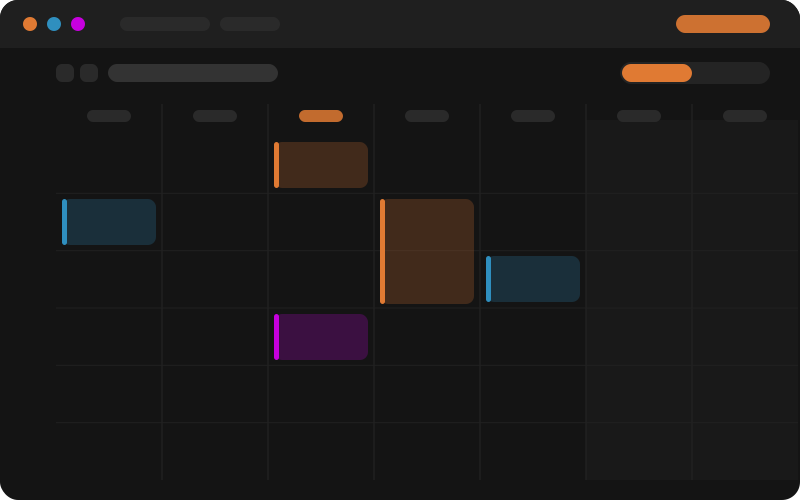
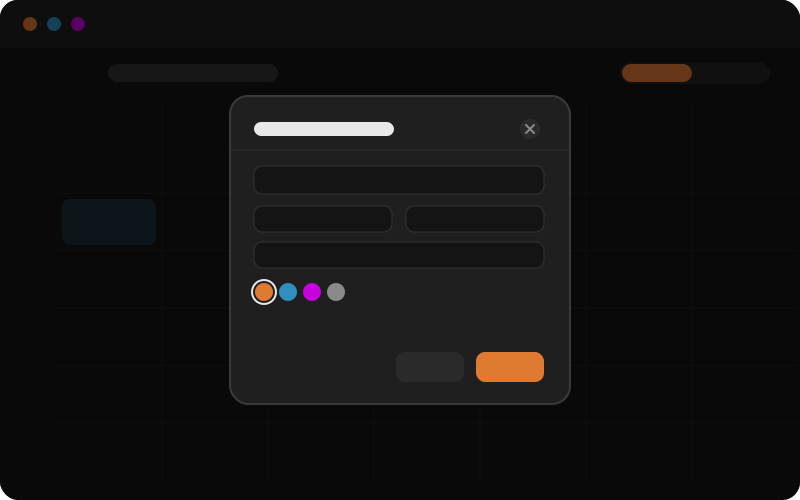
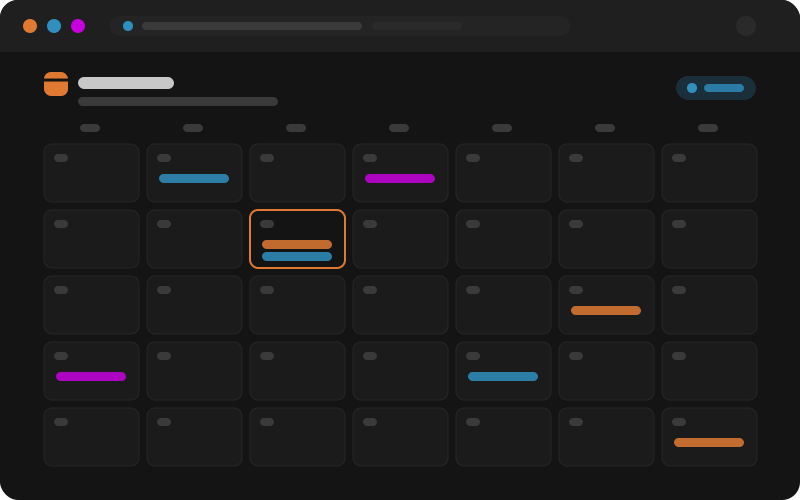
Preview graphics of the week view, event dialog, and public calendar page, served from
/screenshots/. They are stand-ins until real screenshots are captured from the
seeded demo data.
The production compose file pulls the published image and runs PostgreSQL 17 next to it. Copy the example environment, set a few secrets, and start it.
cp .env.example .env
# set POSTGRES_PASSWORD / KALENDEE_DATABASE_PASSWORD,
# KALENDEE_ADMIN_PASSWORD, and KALENDEE_PUBLIC_URL
docker compose up -d
Full setup, clients, and configuration are in the documentation. Licensed under AGPL-3.0-only .